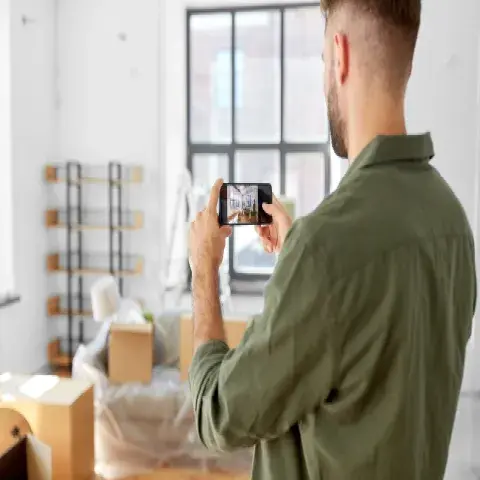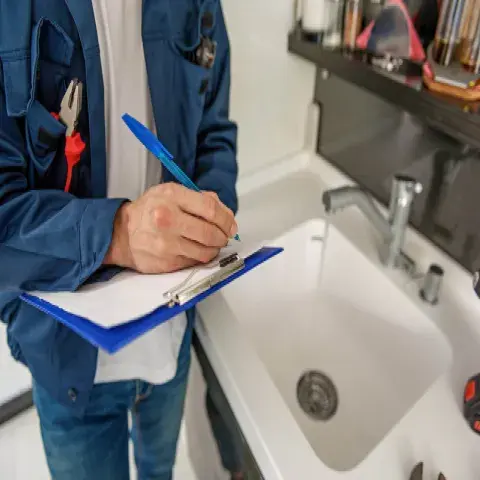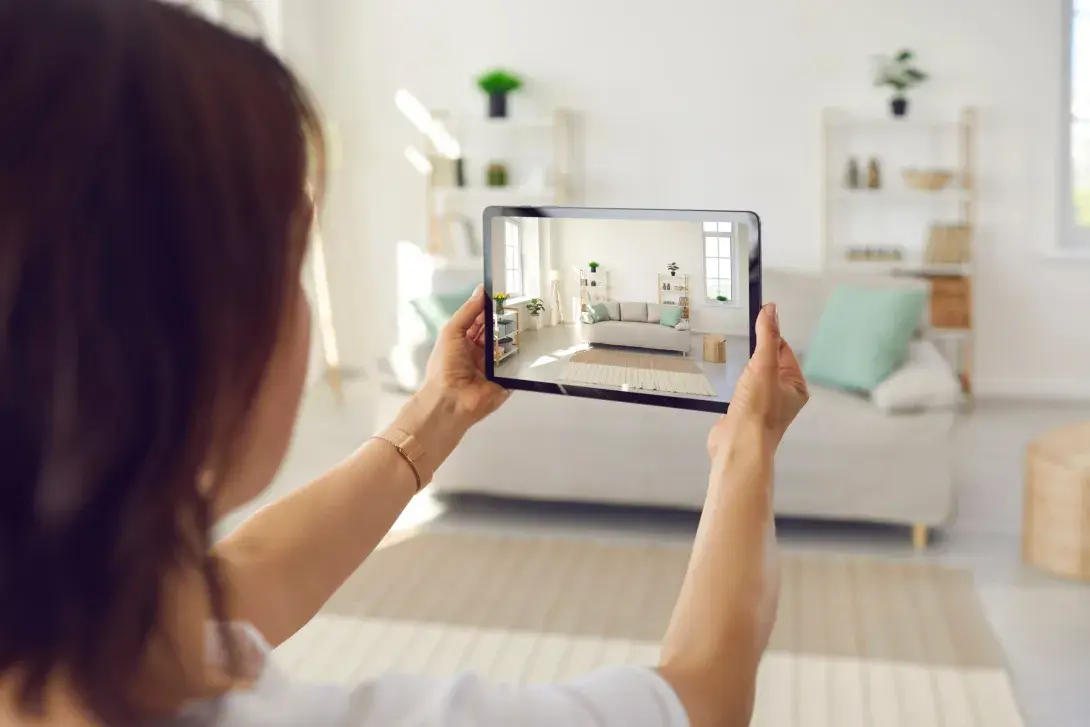
The virtual home inspection is a convenient and efficient way to assess the condition of your home. Rather than have an inspector physically visit your home, you as the homeowner can take photos for underwriters to review.
Orion180 offers virtual do-it-yourself home inspections through our proprietary solution, PryzmIQ. We simplify the process, with no app download required and progress saved as you go. Follow the step-by-step instructions and complete the process in as little as 45 minutes.
Prepare for success by getting your home ready for the inspection. To make sure the photos you're capturing are clear and accurately represent the condition of your property, follow our top tips!
Top 8 Tips for Virtual Home Inspection Photos
- Take the photos on premises at your home: When you’re taking photos for your virtual home assessment, make sure to complete the process on premises at your home. This ensures that the photos you take accurately represent the condition of your property.
- Use WiFi for interior photos: If possible, use WiFi for taking interior photos. This ensures that the photos are of high quality and will be uploaded quickly.
- Turn WiFi off if necessary: If the exterior photos are taking longer than normal to upload, turn WiFi off. This will allow the photos to upload more quickly.
- Remove obstacles: Before taking photos, make sure to remove any obstacles that could obstruct a clear view of the property. This includes moving furniture, boxes, and other items out of the way.
- Use a flashlight in low light conditions: If you’re taking photos in low light areas, for example under-the-sink plumbing enclosed in a cabinet, you may need to add additional light for clear images. Use a flashlight or external light source to ensure good photo quality.
- Take exterior photos during daylight: When taking exterior photos, make sure to do so during daylight hours. This ensures that the photos are well-lit and provide a clear representation of the property’s exterior.
- Retake blurry photos: If any of the photos appear to be blurry, retake them to ensure that they accurately represent the condition of your property.
With these tips, you'll capture good photos and streamline our virtual inspection review process. Here are a few more tips that will make your experience using PryzmIQ a little easier:
- Your inspection link and other key communications will be shared by email – check your Spam folder to ensure you are receiving these messages. You can also provide SMS consent acknowledgement to receive reminders on your phone, making sure you never miss an important communication.
- When you use the web app, you will receive a request for camera and location permissions. Accept all permissions while using the app, as declining permissions will result in the app not functioning.
- Carefully read and select information like the number of rooms and bathrooms. This cannot be changed once selected.
PryzmIQ is a simple, user-friendly platform, and these tips set you up for success. If you have any questions or need assistance, don't hesitate to contact our dedicated PryzmIQ support team! Call (888) 580-7050 or email support@pryzmiq.com for help.